






ComfortView™
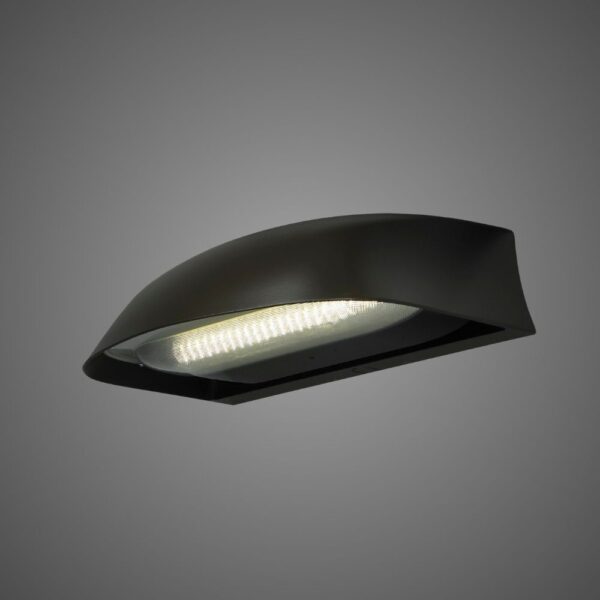
Low-glare optical design that puts the experience of drivers, pedestrians and neighbors at the center of the lighting conversation.
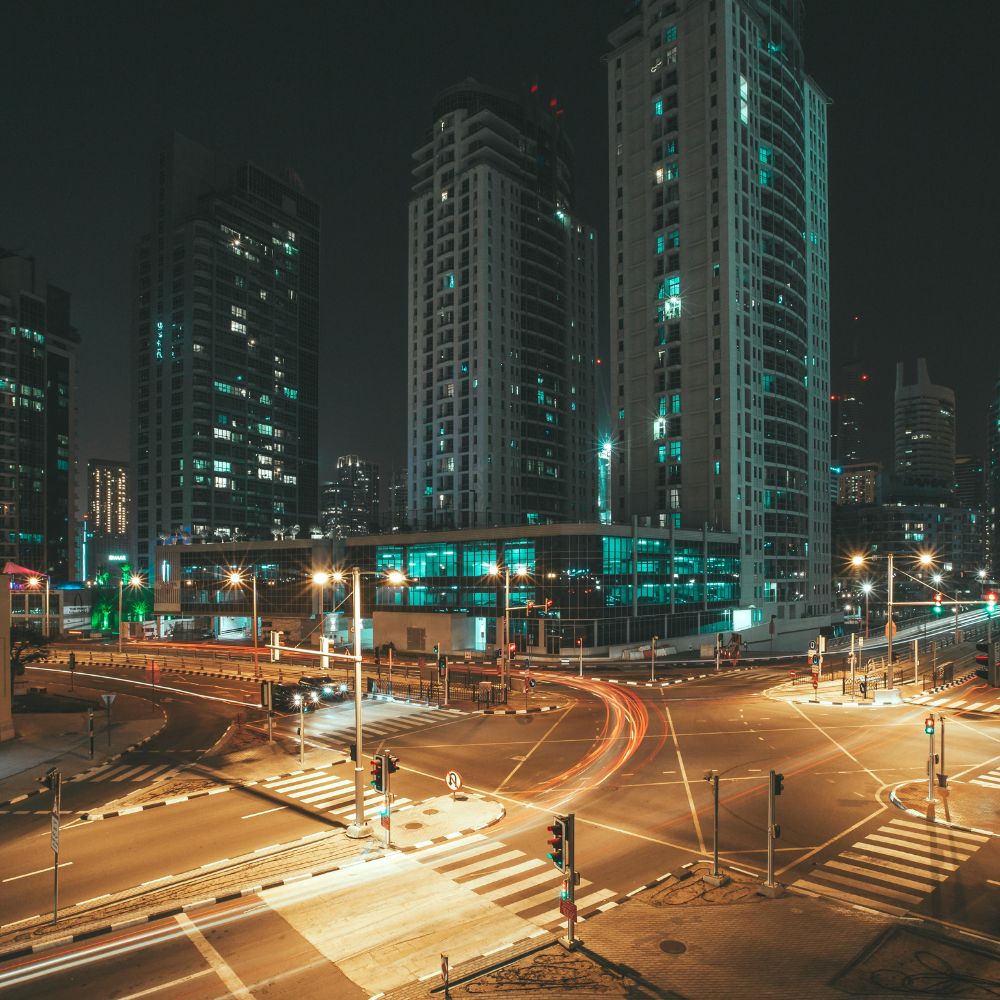
Look beyond brightness.
Good lighting helps people see the task, understand their surroundings and move through a space comfortably. ComfortView uses a two-stage optical approach to manage the visible source and distribution. The result must still be evaluated in its real setting: the pole height, roadway geometry, background contrast and viewpoints all matter.
Manage the source
Two-stage reflective optics are documented for the current ComfortView CV1. Evaluate high-angle light and observer positions alongside useful illumination.
Match the distribution
The current CV1 lists Type II and Type III distributions. Select the exact IES file for the output, optic and color configuration used in the layout.
Specify the whole system
Choose the required CCT, mounting, shielding and control configuration. Connected operation is an additional system decision, rather than a property of the optic.
Start with the current CV1 configuration.
The published CV1 offers 2200K, 2700K, 3000K and 4000K options, with Type II and Type III optics. The current Type II table spans 2,087–8,227 lumens at 19–67 watts across its listed configurations. Select a specific order code and its matching IES file; these ranges do not describe every optic or option combination.
Review input voltage, mounting and control options separately. Low-glare optics do not automatically add tunable CCT or weather-responsive control.
Make the layout review useful.
Compare illumination, uniformity, high-angle light and neighboring viewpoints. A rendering is one part of the review; use the photometric file and a nighttime assessment to understand the installation.
ComfortView FAQ
Understand glare control, CV1 configuration, photometric selection and the boundary between lighting optics and connected controls.
Optics and visual comfort
What does ComfortView do to reduce glare?
ComfortView uses a two-stage optical approach to manage the visible light source and its distribution. The goal is useful illumination with improved visual comfort, rather than simply increasing brightness. The current CV1 specification describes two-stage reflective optics. Actual glare at a site still depends on output, mounting height, aiming, background contrast and viewing direction. Evaluate the selected configuration in a layout and a nighttime field review.
ComfortView CV1 Specification SheetLow-Glare Security Lighting Design
Is low glare the same as low light output?
No. A lower-output fixture can still be uncomfortable when the source is exposed or the distribution is poorly aimed. Review the required illumination and uniformity together with high-angle light, light trespass and observer positions. Select the output and optic that serve the roadway or walkway task, then check the edges of the site and nearby properties. A lower wattage or a single glare label is not a complete design result.
Low-Glare Security Lighting DesignRoadway Lighting Uniformity Ratios
Does the ComfortView CV1 offer every IES distribution type?
The current CV1 product information lists Type II and Type III distributions. Do not infer Type IV or Type V availability from a broad technology discussion or from another LEOTEK family. Match the exact output code, optic and color configuration to its current IES file before modeling pole spacing or ordering. If the site needs a different distribution, compare an appropriately documented luminaire configuration.
ComfortView CV1: Specifications and IES FilesHow to Read an IES File
Configuration and installation
Does choosing a warm CCT make CV1 suitable for any dark-sky or wildlife project?
No. Warm CCT, uplight control, glare control and habitat-sensitive spectrum are related but separate questions. The current sheet identifies Dark Sky and SOLA qualifications with configuration limitations; verify the exact catalog option and current listing. A qualification for one configuration should not be applied to every output, CCT or accessory combination. For habitat-sensitive sites, also request spectral evidence and a site-specific ecological review.
ComfortView CV1: Specifications and IES FilesHow Blue-Light Content Is Measured
Are automatic color-temperature changes or weather-responsive dimming standard ComfortView features?
Do not assume they are. ComfortView is an optical technology, and the CV1 catalog lists selectable color-temperature and control options. A fixed selected CCT is different from a tunable-CCT system. Weather-responsive or scheduled operation requires the relevant driver, sensors, controller and programmed system. Define the behavior you need and obtain confirmation for the proposed order code rather than attributing every intelligent-lighting feature to the optic.
ComfortView CV1: Specifications and IES FilesLEOLink Intelligent Lighting System
Can CV1 connect to LEOLink and RenAI?
The documented CV1 external-controller route uses a suitable control-ready configuration, including factory-wired PCR7-CR for supported NB01P05/10 controllers. Confirm voltage and the driver interface; the published controller path is not a blanket approval for every voltage option. The node is separate, and central-management and network services must be included. Do not substitute the EB01 embedded node, which is limited to approved KarbonCobra configurations.
ComfortView CV1: Specifications and IES FilesLEOLink NB01-Plus Controller
Project evaluation
What should we check before reusing existing poles and mast arms?
Record mast-arm diameter, attachment condition, mounting height, tilt, supply voltage and the existing lighting geometry. Check the selected CV1 mounting arrangement and any shield against the current installation instructions. Then model the actual poles and spacing with the selected IES file. Mechanical fit alone does not establish the required illumination, uniformity or control compatibility.
ComfortView CV1: Specifications and IES FilesHow to Read an IES File
How should a municipality evaluate visual comfort after installation?
Define measurable lighting and comfort criteria before installation. Review the roadway and walkway task, pole geometry, high-angle light and viewpoints from neighboring properties. Then confirm the installed illumination and uniformity, inspect representative viewpoints at night and collect feedback after commissioning. A product selection alone does not establish a crash or satisfaction outcome; any published percentage needs a named project, baseline, observation period and accessible study.
Low-Glare Security Lighting DesignRoadway Lighting Uniformity Ratios
Start with the needs of your project.
Share your site, equipment and operating objectives with the LEOTEK team.