TOP BAR

SafeGuard™

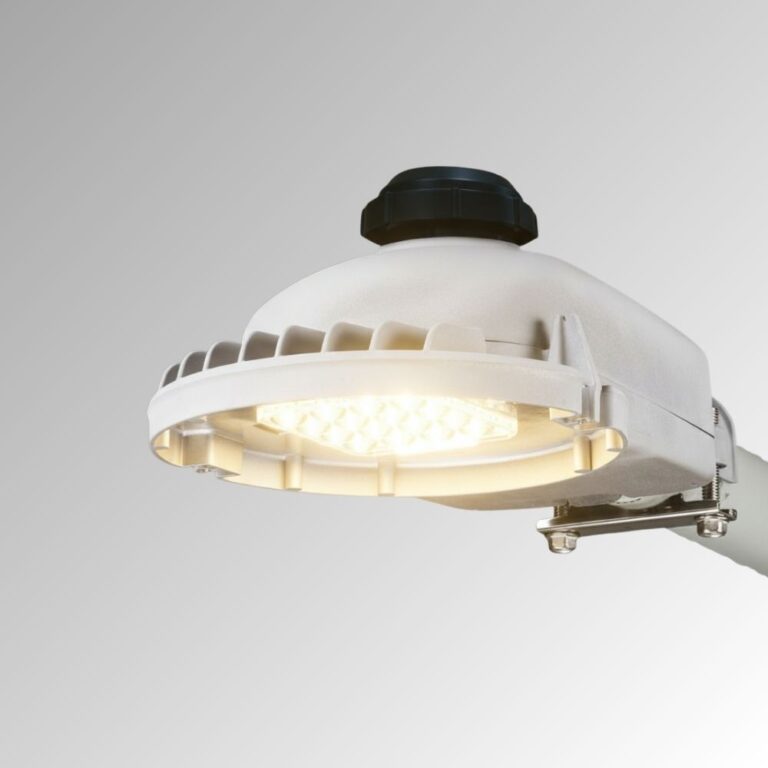
Compare LEOTEK SafeGuard UTL1 and UTL2 utility light models. Review product specifications and documents for utility and outdoor security lighting.

Explore related applications: Outdoor lighting applications · All Outdoor Lighting products

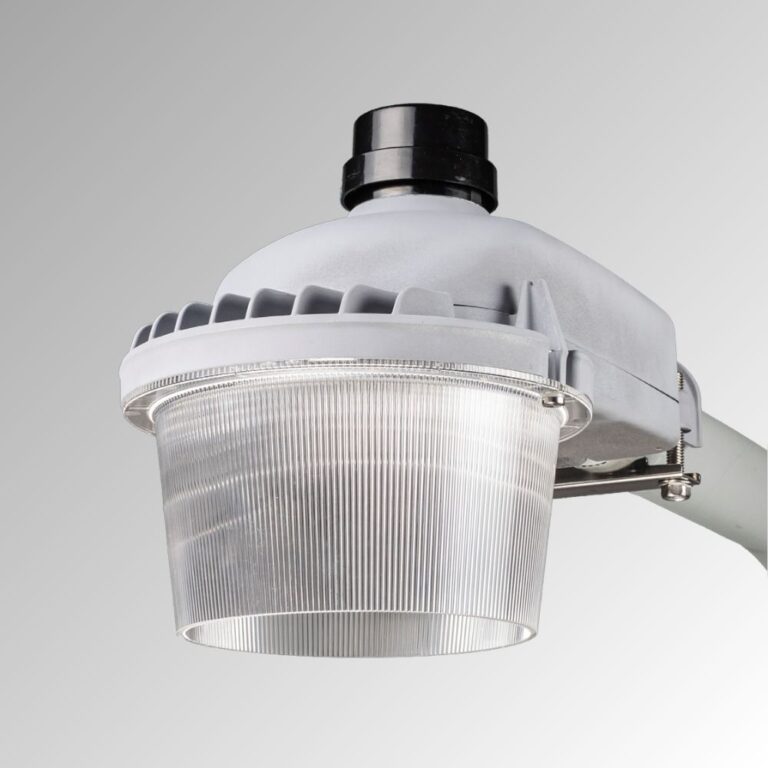
UTL Dusk to down street light UTL1
SafeGuard™
Lumen Output: 3,071–7,731 lm (incl. optional DR)
Voltage: 120–277V
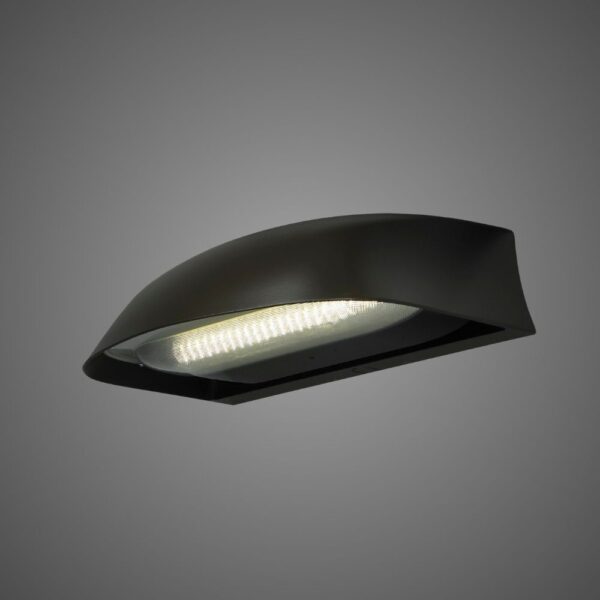
SafeGuard™ Utility Grade Light – UTL2
SafeGuard™
Lumen Output: 7,427–9,656 lm (incl. optional DR)
Voltage: 120–277V
About Us

Why LEOTEK?

Building a Safer, Greener, and Smarter City with AIoT

LEOLab

Lighting & Smart City Solutions

Check our LEOLab pages to find more information.

Contact Us

Need Product Support & Inquiry?

If you need any service, please feel free to contact us!

PROJECT SUPPORT

SafeGuard FAQs

Answers to common questions about product selection, installation and procurement.

How do UTL1 and UTL2 compare?

Without the optional drop-down refractor, the published nominal tables span 3,203–7,731 lm at 21–54W for UTL1 and 7,914–9,656 lm at 60–75W for UTL2. Both offer 3000K/4000K and Type 2R/3R/5 optics. These ranges combine configurations and CCTs, not a single selectable output range. Choose the order code and IES file to meet the required coverage before deciding between models.

Specifications & documents
SafeGuard Utility Series Specification Sheet

Further reading
How to Read an IES File

Will SafeGuard fit an existing utility-light mast arm?

The two-bolt slipfitter fits 1¼–2-inch nominal mast arms, or 1⅝–2⅜-inch outside diameter. Published leveling adjustment is ±5° in 2.5° steps. MV 120–277V is the listed supply option. Measure the arm and check its condition, insertion and installation drawing; an existing 347/480V circuit is not covered by the UTL ordering table just because other LEOTEK families offer HV.

Specifications & documents
SafeGuard Utility Series Specification Sheet

Further reading
HPS-to-LED Streetlight Conversion: Selection and Retrofit Guide

When should I specify the drop-down refractor?

DR requires the Type 5 optic and changes both output and light distribution. The sheet publishes separate DR performance rows and BUG ratings with U3 uplight, whereas the standard optics have U0. Use DR where that refractor configuration is appropriate, and calculate its own photometry. Do not apply the standard no-refractor output or uplight rating to a DR-equipped fixture.

Specifications & documents
SafeGuard Utility Series Specification Sheet

Further reading
How to Read an IES File

How can SafeGuard reduce light toward nearby homes?

SafeGuard offers flush house-side and front-side shields. The sheet describes the house-side shield’s cutoff at half a mounting height behind the fixture and the front-side shield at one mounting height ahead. Choose the relevant side and include the shield in the IES review. Avoid solving spill solely by installing a higher-output UTL2; output, distribution and shield choice should be evaluated together.

Specifications & documents
SafeGuard Utility Series Specification Sheet

Further reading
How to Read an IES File

Are PCR7-CS and PCR7-CR equivalent smart-control options?

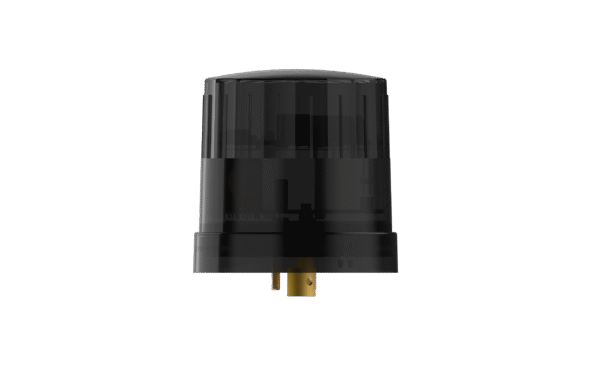
No. PCR7-CS retains field output adjustment, but its dimming wires are not connected to the receptacle. PCR7-CR connects the dimming wires for a separately supplied wireless node, cannot be combined with CS and is listed only at the maximum output code. Standard PCR7 also has unconnected dimming wires. Specify the control-ready version explicitly when node dimming is required.

Specifications & documents
SafeGuard Utility Series Specification Sheet

Further reading
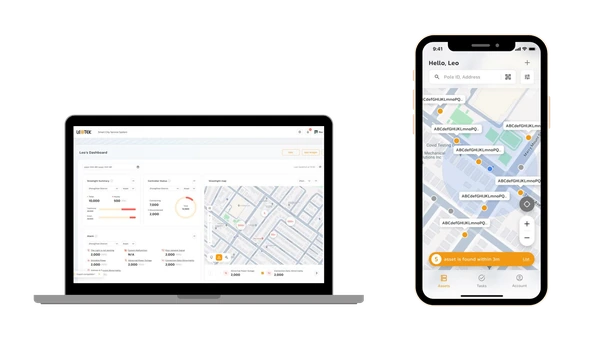
Streetlight CMS Architecture: Nodes, Networks and Central Management

Can a color-temperature filter make the fixture warmer without affecting output?

No. The snap-on CTF filter produces an approximate 2200K effect with a 3000K LED, or 2700K with a 4000K LED, and reduces lumen output by approximately 25%. Apply that loss when checking minimum illumination and spacing. The filtered result should not be represented as the unfiltered performance-table output or as a separate native-CCT LED ordering option.

Specifications & documents
SafeGuard Utility Series Specification Sheet

Further reading
How to Read an IES File

How should we estimate energy savings?

Use the selected model’s input watts and actual operating/dimming hours. For illustration, replacing a measured 100W load with a 38W UTL1 configuration at 4,000 hours/year reduces nominal energy by 248 kWh per fixture per year: (100−38) × 4,000 ÷ 1,000. This is a calculation example, not a promised project saving; include existing ballast draw, actual schedules and controls in the baseline.

Specifications & documents
SafeGuard Utility Series Specification Sheet

Further reading
HPS-to-LED Streetlight Conversion: Selection and Retrofit Guide

What protection and warranty choices belong in the order?

The sheet lists a five-year limited luminaire warranty, IP66 optical system, IK10 housing/optics and −40°C to +40°C ambient operation. Specify CF coastal finish where required. SP1 and SP2 are listed fail-to-on surge options at 10kV/5kA and 20kV/10kA. Keep these options and the installed photocontrol in the asset record; an ingress rating is not a guarantee against all corrosion or every surge event.

Specifications & documents
SafeGuard Utility Series Specification Sheet · Leotek General Illumination Products Warranty North America

Further reading
Coastal Streetlight Corrosion: Selection and Maintenance Guide

Selection & project planning

Plan utility and security lighting around the area that needs illumination, the existing mounting system and practical maintenance access. Compare UTL1 and UTL2 in the actual installation layout.

Compare exact configurations

Compare UTL1 and UTL2 using model-specific output, distribution, dimensions and mounting options. Choose a configuration for the lighting task rather than replacing the existing unit solely by nominal wattage.

Validate the lighting layout

Document mounting height, coverage area, nearby roads, buildings and property boundaries. Use the selected photometry to evaluate usable illumination, uniformity and light reaching sensitive locations.

Coordinate installation and controls

Check the pole or arm interface, supply voltage, wiring and grounding. Define photocontrol or other operating requirements and verify available options for the proposed configuration.

Prepare the procurement package

Record the exact ordering codes, quantities, mounting accessories, finish, voltage, color temperature and control requirements. Request current specifications, matching IES files, installation instructions and written warranty terms. Confirm the documentation required by the project solicitation for the proposed configuration.

English
Español
繁體中文