TOP BAR

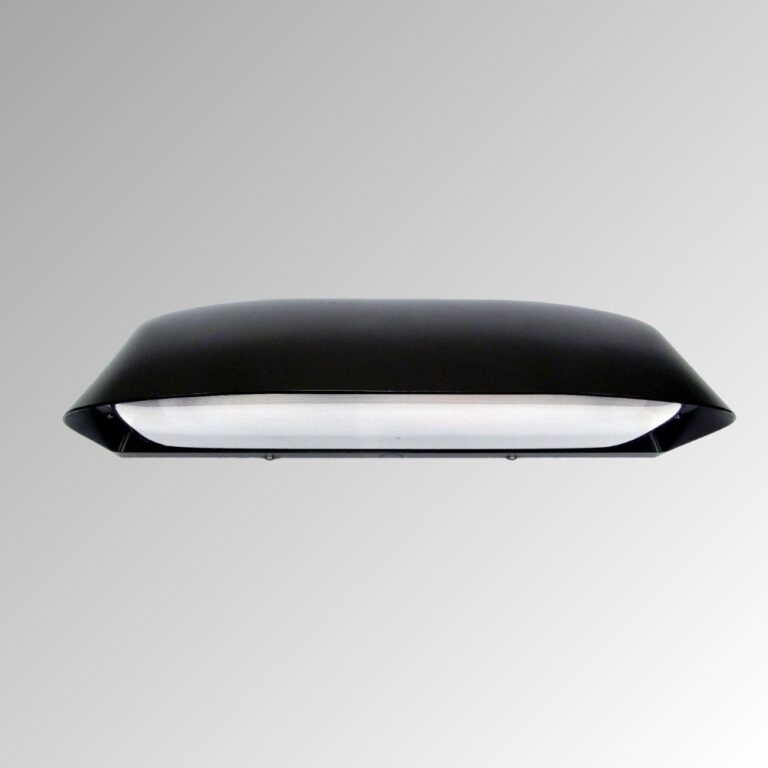
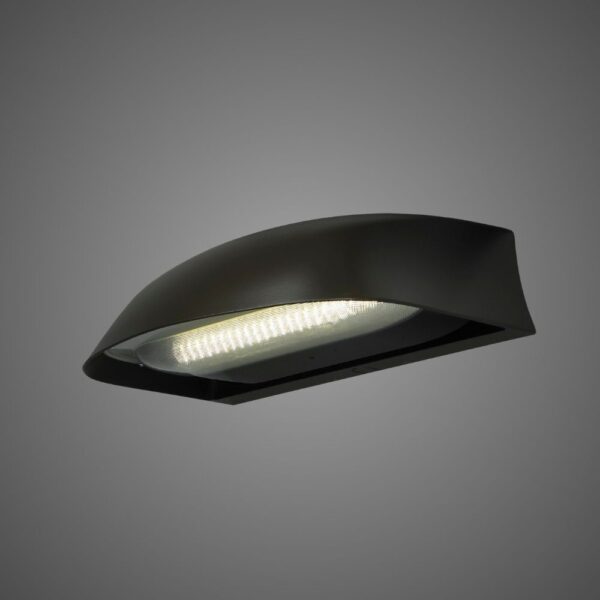
Eseta

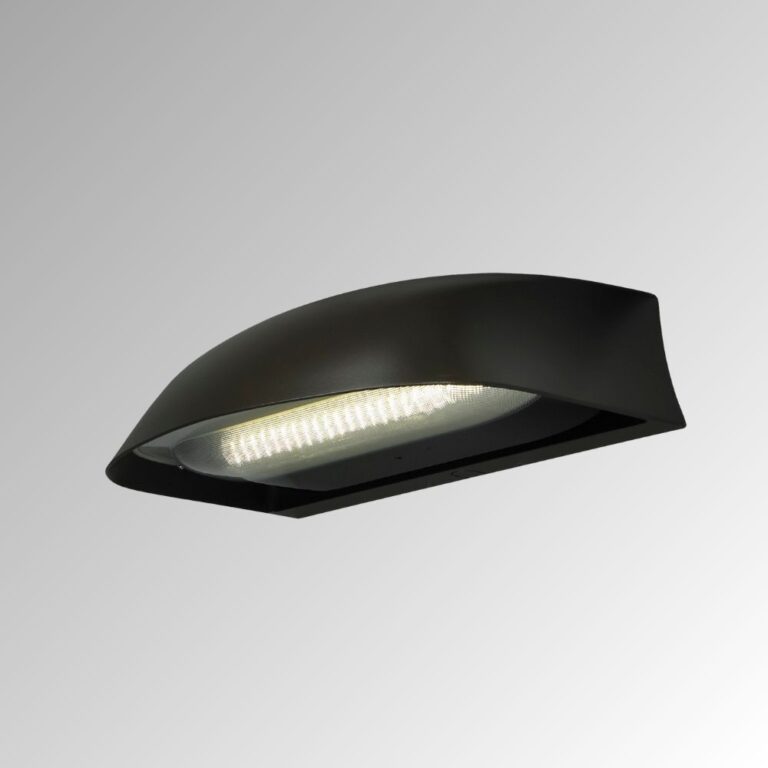
Explore LEOTEK Eseta ES1 and ES2 LED wall sconce models. Compare specifications and downloads for architectural outdoor and building perimeter lighting.

Explore related applications: Outdoor lighting applications · All Outdoor Lighting products

Eseta LED Wall Sconce – ES1
Eseta
Lumen Output: 3,618–9,839 lm (published nominal range)
Voltage: 120–277V / 347–480V
Eseta LED Wall Sconce – ES2
Eseta
Lumen Output: 13,285–19,625 lm (published nominal range)
Voltage: 120–277V / 347–480V
About Us

Why LEOTEK?

Building a Safer, Greener, and Smarter City with AIoT

LEOLab

Lighting & Smart City Solutions

Check our LEOLab pages to find more information.

Contact Us

Need Product Support & Inquiry?

If you need any service, please feel free to contact us!

PROJECT SUPPORT

Eseta FAQs

Answers to common questions about product selection, installation and procurement.

How do ES1 and ES2 differ for building-perimeter lighting?

ES1 is the smaller-output wall-sconce platform; ES2 provides higher output in a taller housing. Both offer OMNI Lens Wide and Forward Throw distributions and 3000K/4000K/5000K choices. ES1 uses 24H/48H LED configurations; ES2 uses 88H/130H. Select from the exact performance row and site layout, rather than assuming ES2 is preferable at every doorway. Its additional output can require a different spacing or distribution.

Specifications & documents
es 1 specification sheet · ES2 Specification Sheet

Further reading
How to Read an IES File

Should I choose Wide or Forward Throw optics?

Wide (W) and Forward Throw (FT) are separate OMNI Lens distributions. Choose by the wall’s position relative to the walkway, entrance or area to illuminate. Compare their IES calculations at the actual mounting height; assess the darkest points between fixtures and light reaching nearby windows. The optical design provides a lower-brightness source, but that does not replace a site-specific check of coverage and viewing conditions.

Specifications & documents
es 1 specification sheet · ES2 Specification Sheet

Further reading
How to Read an IES File · Roadway Lighting Uniformity Ratios

Can output be adjusted after installation?

Eseta’s listed drive current is factory-set and not field-adjustable. For ES1, the 48H configuration does not allow the 700mA option. On ES2, the standard 88H/130H performance rows use 450mA; 130H with an emergency battery is restricted to 350mA. Choose the ordered engine, current and emergency option before approving photometry so the delivered configuration matches the calculation.

Specifications & documents
es 1 specification sheet · ES2 Specification Sheet

What mounting details matter in a wall-light retrofit?

The die-cast housing uses a back mounting plate with hanging features and top/bottom conduit knockouts. Check the installation drawing against the wall, junction-box position, conduit route and mounting substrate. A nominally similar wall light does not establish matching anchors or conduit entry. The non-emergency fixture rating is IP66/IK10; maintain the installed seals and cable entry as specified to preserve the intended outdoor construction.

Specifications & documents
es 1 specification sheet · ES2 Specification Sheet

What light output and duration does the emergency option provide?

The Eseta sheets describe a nominal 2,300-lumen emergency output for at least 90 minutes, with a visible test switch and charging indicator. That is emergency output, not the fixture’s full normal output. EM/EM2 is available with MV only. The ES2 130H version also requires the restricted 350mA normal-drive configuration, so its normal photometry must be adjusted before approving an emergency-equipped order.

Specifications & documents
es 1 specification sheet · ES2 Specification Sheet

Which emergency version suits a cold outdoor location?

EM is the cold-weather battery configuration, listed for −20°C to +60°C; EM2 is the warm-weather version, listed for 0°C to +60°C. The non-emergency luminaire’s −40°C to +40°C rating must not be applied to the battery-equipped assembly. Select the emergency option against the location’s ambient conditions and its required emergency-lighting design, with the exact configuration documented in the submittal.

Specifications & documents
es 1 specification sheet · ES2 Specification Sheet

Further reading
How Ambient Temperature Affects LED Streetlights

What do the motion sensor and ES2 smart-control options actually do?

The standard sensor setup dims to 50% after five minutes without motion and returns to full output when motion is detected; FSIR100 is the separately ordered configuration tool. ES2 lists PCR7-CR as its control-ready receptacle option. A sensor, receptacle and network node perform different functions: specify the driver/interface, switching control and any supported node together rather than assuming the sensor includes cloud management.

Specifications & documents
es 1 specification sheet · ES2 Specification Sheet

Further reading
Streetlight CMS Architecture: Nodes, Networks and Central Management

Does the ten-year Eseta warranty include the emergency battery?

No. The current North America warranty lists ES luminaires at 10 years, motion sensors at 5 years and the optional ES battery pack at 3 years. The specification sheets also describe shorter coverage for motion-sensor configurations. Identify the complete ordered assembly and applicable terms in the bid. The maintenance plan should separately cover fixture access, sensor setup and periodic battery testing/replacement responsibilities.

Specifications & documents
Leotek General Illumination Products Warranty North America · es 1 specification sheet · ES2 Specification Sheet

Selection & project planning

Select wall-mounted lighting around building geometry, pedestrian use and installation details. Compare ES1 and ES2 using the exact configuration and the proposed mounting locations.

Compare exact configurations

Compare ES1 and ES2 by dimensions, output, distribution and available ordering options. Use the corresponding specification and IES file rather than treating the two wall sconce models as interchangeable.

Validate the lighting layout

Include mounting height, setback, entrances, walkways and nearby windows. Review useful illumination and uniformity along the intended route while evaluating direct view of the luminaire and light reaching adjacent spaces.

Coordinate installation and controls

Check wall construction, junction-box interface, attachment hardware, wiring, weather sealing and service access. Coordinate the fixture supply and any control system with the installation instructions.

Prepare the procurement package

Record the exact ordering codes, quantities, mounting accessories, finish, voltage, color temperature and control requirements. Request current specifications, matching IES files, installation instructions and written warranty terms. Confirm the documentation required by the project solicitation for the proposed configuration.

English
Español
繁體中文